Bookshelf for KOReader
Your books, on a shelf.
a nicer way to find something to read next
Bookshelf puts your library on a shelf you can browse by series, author, genre or anything you like, with the book you are reading front and centre.
What the clip shows, step by step:
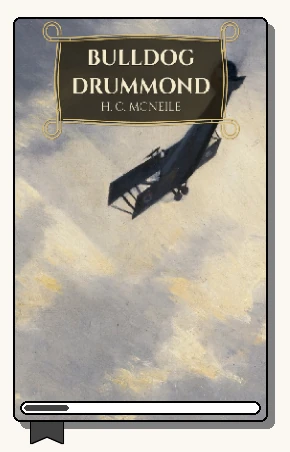
- Bookshelf: your library as a grid of covers
- Tap a book to see it in the top panel
- Recent: what you've been reading, in two columns
- Tap a book there too
- Series: each series together. Open one
- Then tap a book inside it
- The book button brings back what you're reading
- Back to Home
- Long-press the page counter for a list, then spines
- Swipe up for a full screen shelf
- Pinch for smaller books, more to a screen
- Spread for bigger ones




Find your way in
-
New to KOReader
Never installed KOReader before? Start at the very beginning: getting KOReader onto your e-reader, then Bookshelf on top.
-
Know KOReader, new to Bookshelf
You know the file browser and the top menu. Here is what changes, where things moved and what stays the same.
-
Make it beautiful
Themes, wallpapers, wooden planks, ornaments, colours and a top panel you design yourself.
-
Organise a big library
Shelves built from series, authors, genres, collections or filters, sorted the way you think.
-
Already using Bookshelf
What's new in 5.5, every menu option in one place, every gesture, and the tokens for your own lines.
-
Something not right?
Empty shelf, missing covers, or Bookshelf not showing up at all.
Your shelf, your way
What the clip shows, step by step:
- Long-press the page counter to change the shelf's style
- List: title, author, blurb and progress in rows
- Long-press again for Spines
- Spines: books on a shelf, some standing face out
- Once more, back to Covers
- Covers: a grid of cover art
What the clip shows, step by step:
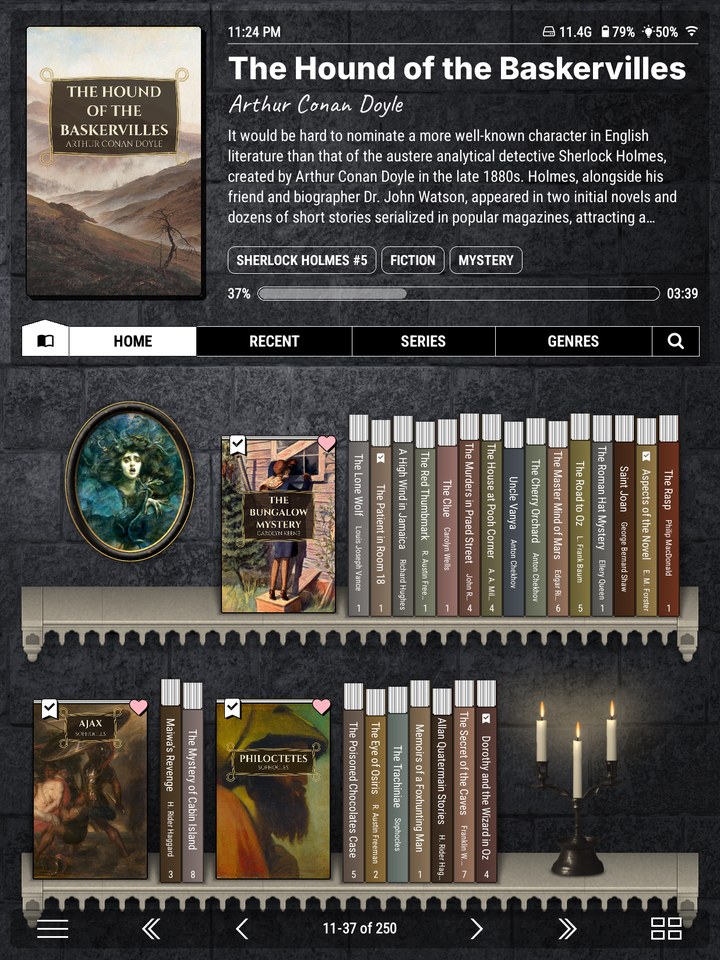
- Home wears Macabre
- Series: top menu > Theme > This shelf
- Tap a theme: the shelf changes behind
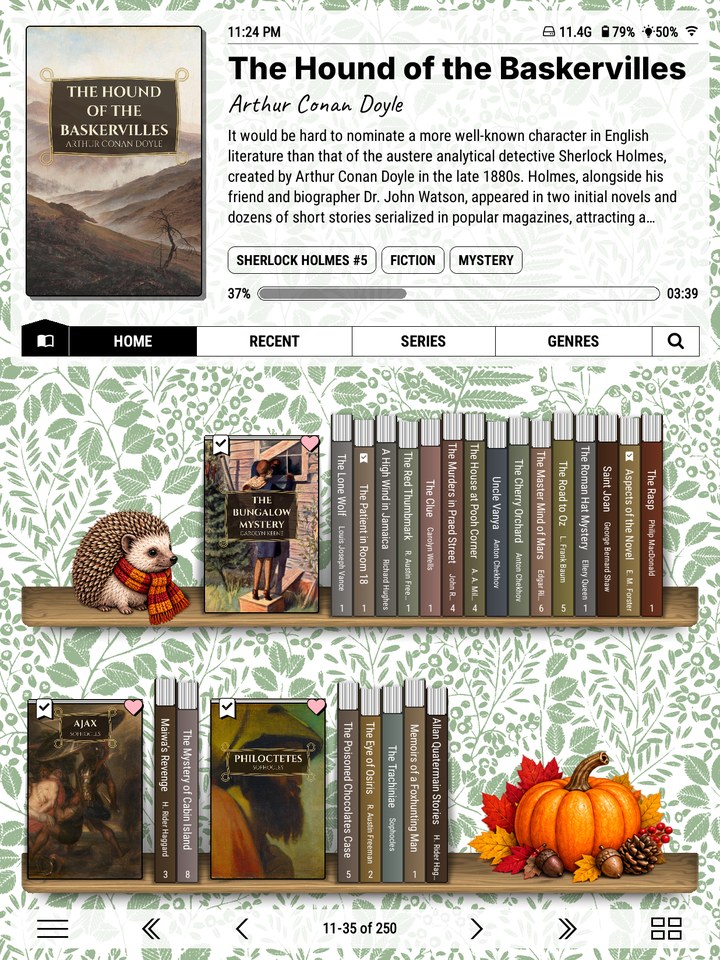
- Genres wears Autumn
- Each shelf keeps its own theme
What the clip shows, step by step:
- Stand every book cover forward on a spine shelf
- Long-press the HOME tab, then tap "Shelf style"
- Face out is a Spines option. Tap Spines
- Tap "Face out"
- Ticked reasons stand face out. Tap "All books"
- Back, then close the dialog and the editor
- Every book now shows its cover, on the shelf




Shelves that fit how you read
Every shelf is built from your books' own details: series, authors, genres, languages, collections, reading status, ratings, or Calibre's metadata if you use it. Mix a source, a few filters and a sort, and a shelf keeps itself up to date as you add books and read them.
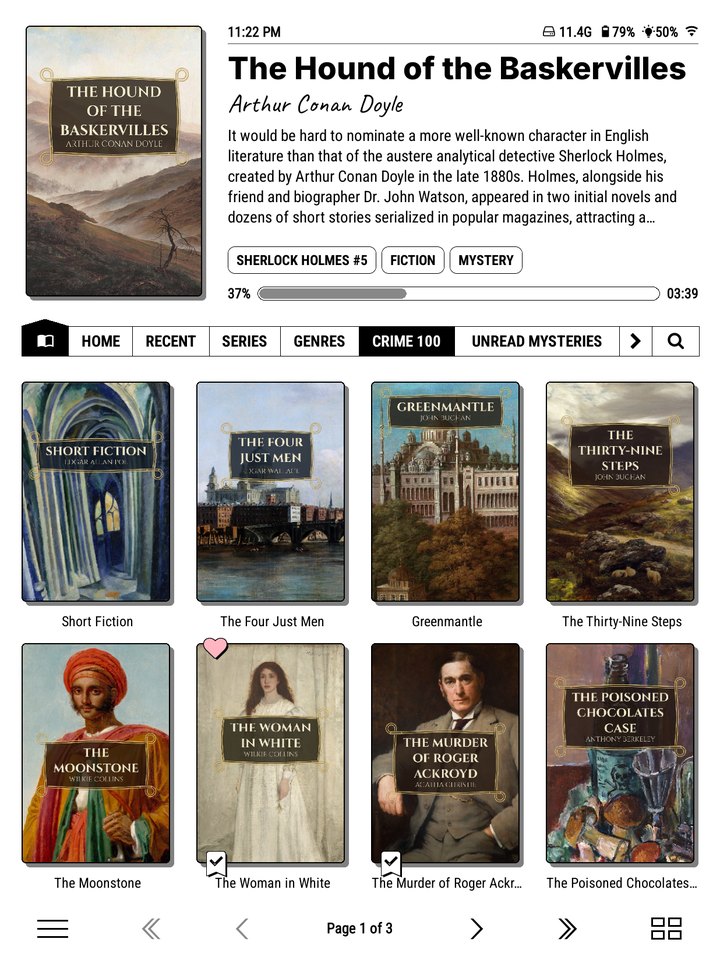
A list you curate. A collection as a shelf, in the order you arranged it: a reading challenge, a holiday pile, the classics you mean to get to. Specific collection… · sort by Collection order
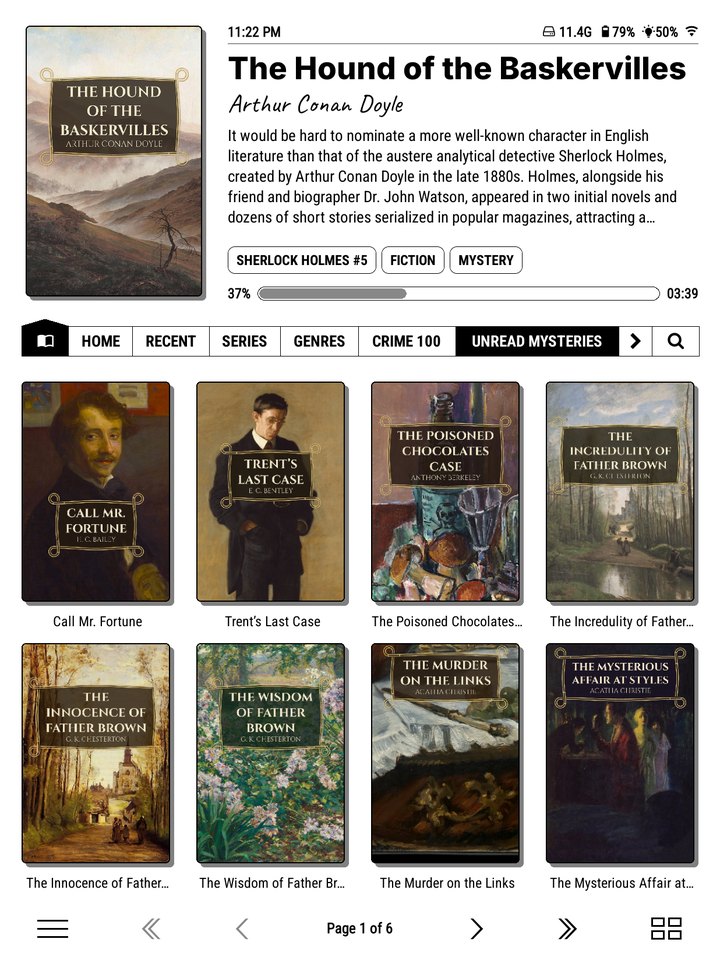
One genre, only what's unread. Pick a genre, filter out what you've read, and what's left is your next mystery. Specific genre… · Filters: Unread · sort by Surname
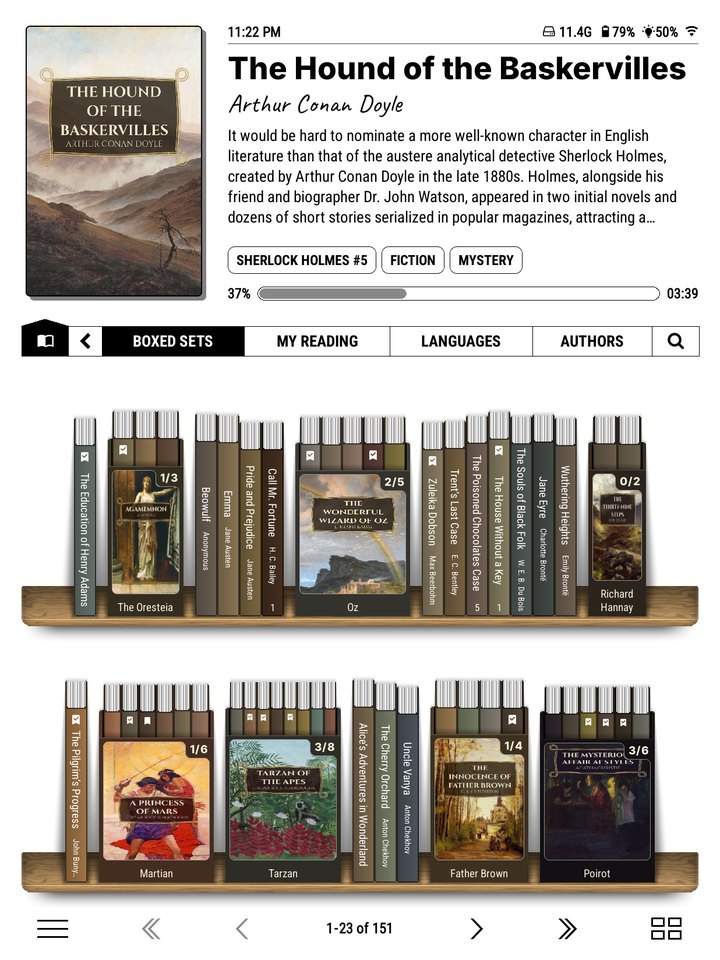
Series as boxed sets. On a spine shelf each series stands as an open slipcase, with how many you've read on the front. Shelf style: Spines · Series boxes: On
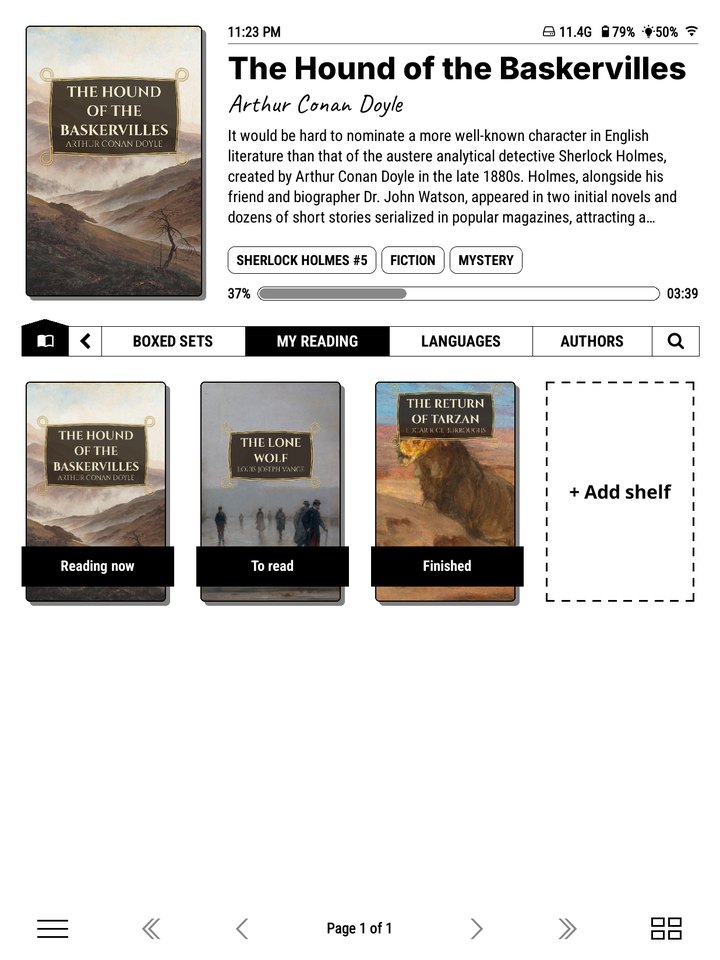
Your own system. A shelf of shelves holds as many shelves as you like, each with its own filters: Reading now, To read, Finished, or anything else. Shelf of shelves · + Add shelf
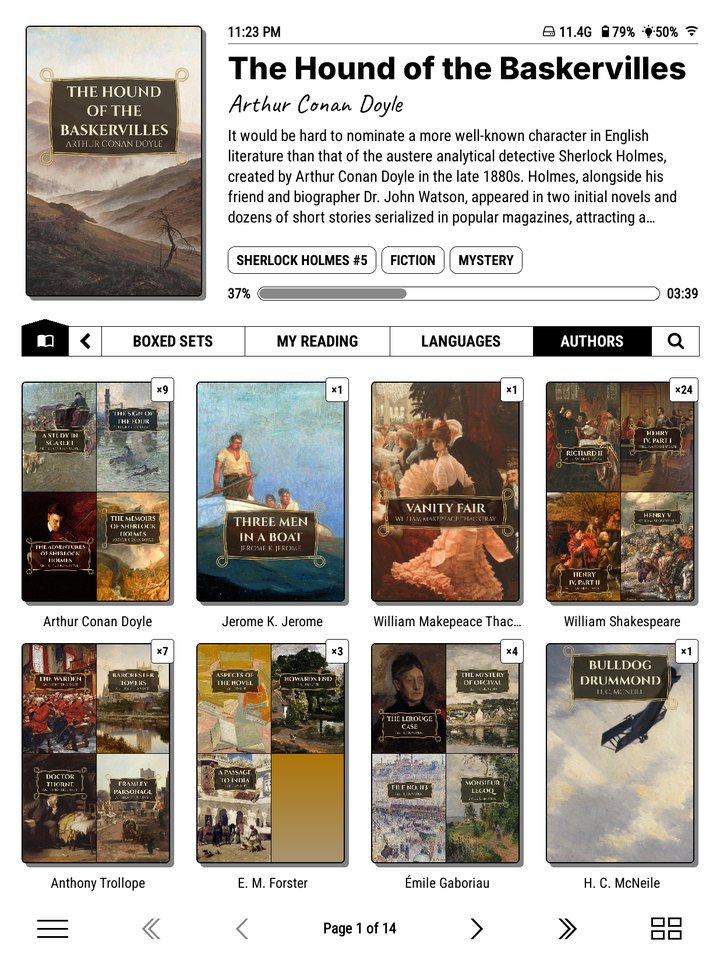
Every author at a glance. One tile per author, showing their covers, with their books in series order inside. Authors · Folder tiles: Collage
More ways to slice it.
- By language, for the books you read in French, or a shelf per language you're learning.
- By rating, your five-star shelf.
- By format, comics and manga apart from novels.
- By folder, if you keep things in folders already.
- From a Calibre column, by mirroring it into tags.
What's in the box
-
Shelves for everything
Home, Recent, Series and Genres out of the box. Add your own from any series, author, genre, collection, folder, reading status or online catalogue.
-
A top panel that's yours
The book you are reading, with its blurb, progress and time left. Every line is editable, down to the font.
-
Spines with real proportions
Width from the page count, height from the cover, colour from the cover art.
-
A start menu
A launcher you build yourself: shortcuts, folders, other plugins and live micro-modules like a clock or your reading goal.
-
Online catalogues
Browse Project Gutenberg, Standard Ebooks and other OPDS catalogues as shelves, and download straight to your device.
-
Made for e-ink
Built and tested on a real e-reader: quick page turns, careful screen refreshes, black and white or colour.
Ko-fi shop
Dress your shelf
Theme packs bring framed art, wallpapers, ornaments and new shelves, drawn to look right on black and white and colour screens. Ukiyo-e hangs Japanese woodblock prints among your books, Macabre brings a Gothic stone shelf and candlelight, Autumn fills the gaps with hedgehogs and pumpkins, and Planks swaps the oak for nine other timbers.
Buying a pack is one way to support Bookshelf's development. If you'd just like to say thanks, you can also leave a tip.
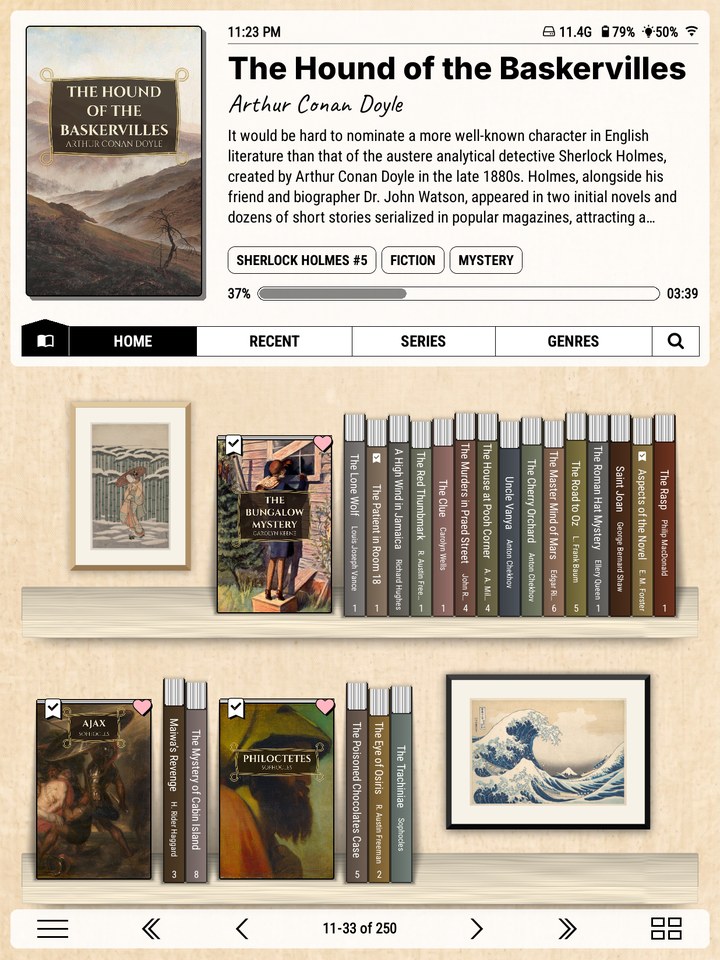
Bookshelf is free and open source. It needs KOReader v2025.08 or newer, and works best on v2026.03 or newer.