Micro-modules
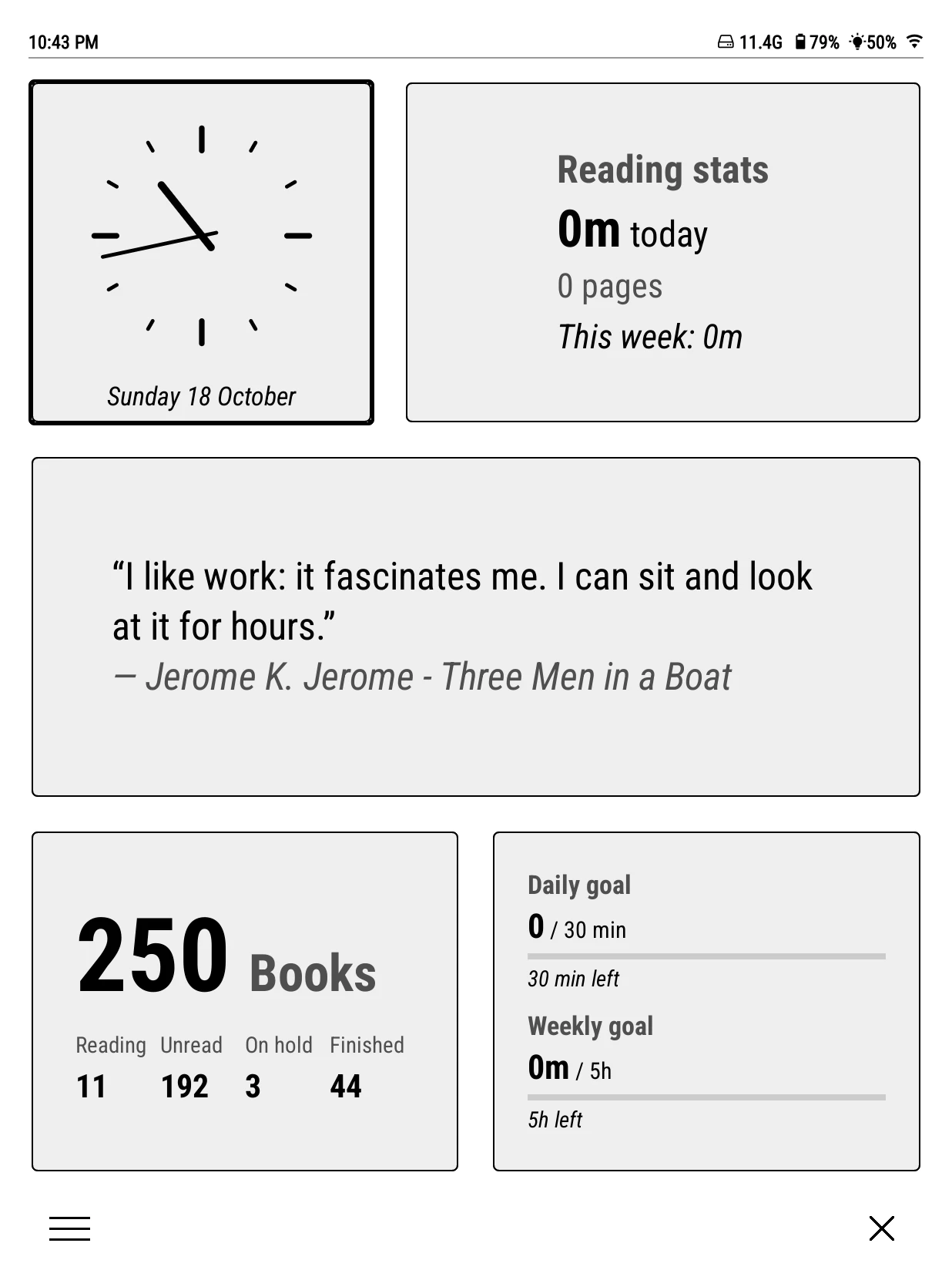
Micro-modules are small live panels: a clock, the battery, a quote from your highlights, your reading streak. They can live in three places, chosen under Bookshelf > Settings > Micro modules:
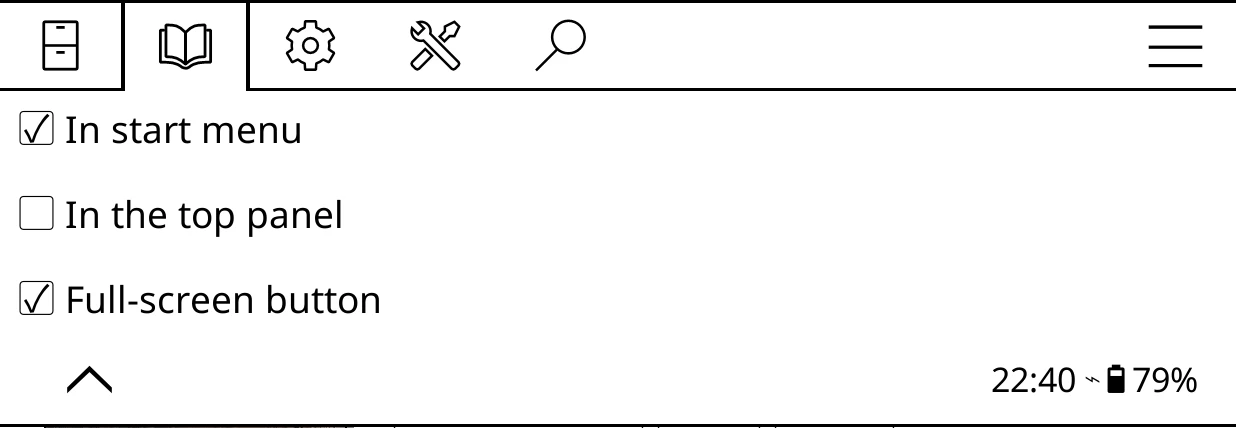
- In start menu
- Cards in the start menu. On at first.
- Full-screen button
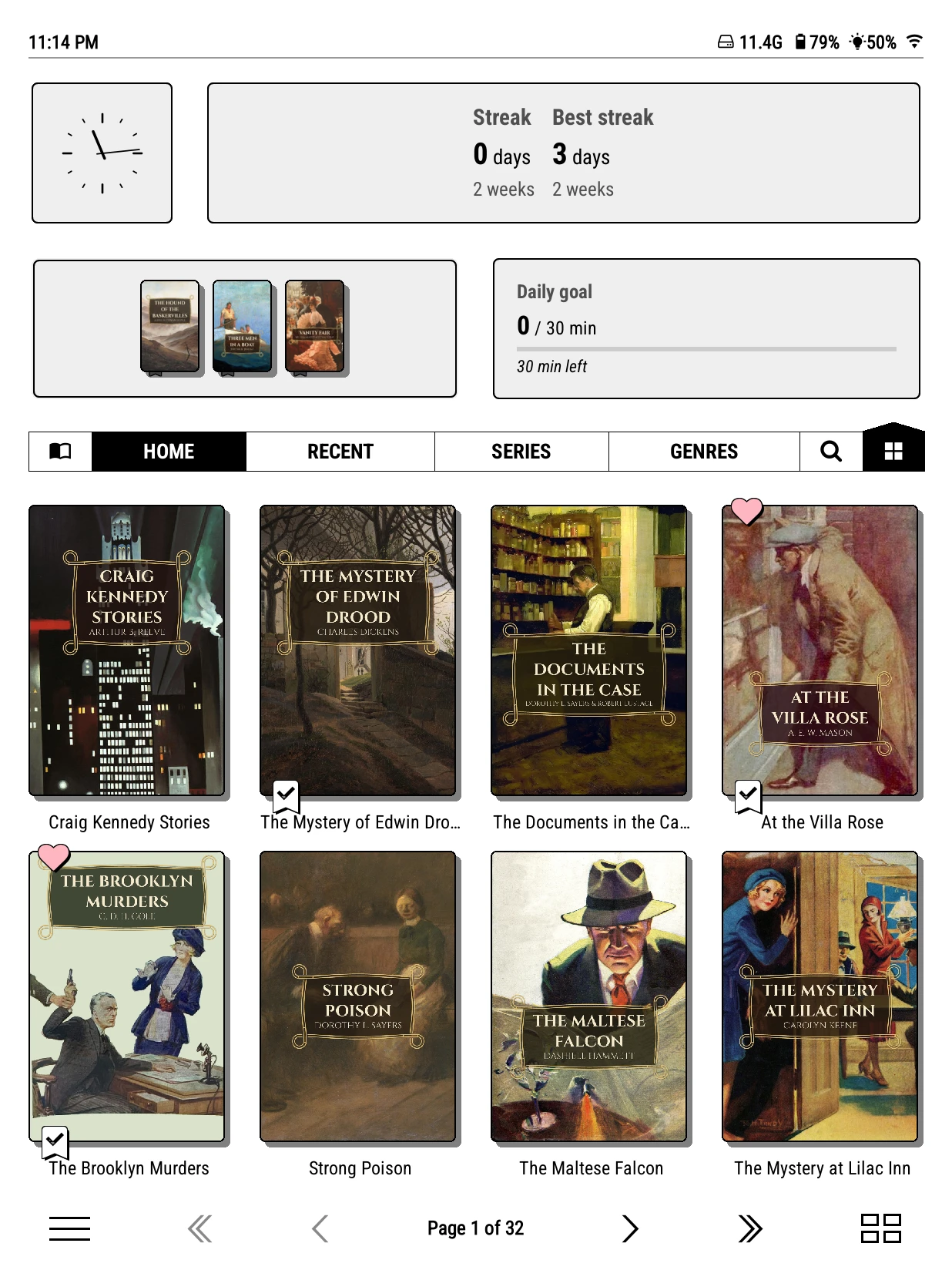
- A grid button in the footer, opposite the start menu, that opens every module full screen, like a dashboard. On at first (off if you upgraded from an older version).
- In the top panel
- A grid button in the shelf menu that swaps the top panel for a grid of modules. Off at first (on if you upgraded from an older version). Settings > Behavior > Top panel starts with chooses which you see when the shelf opens.
The top panel grid and the full screen view keep separate lists, so each can show different modules.
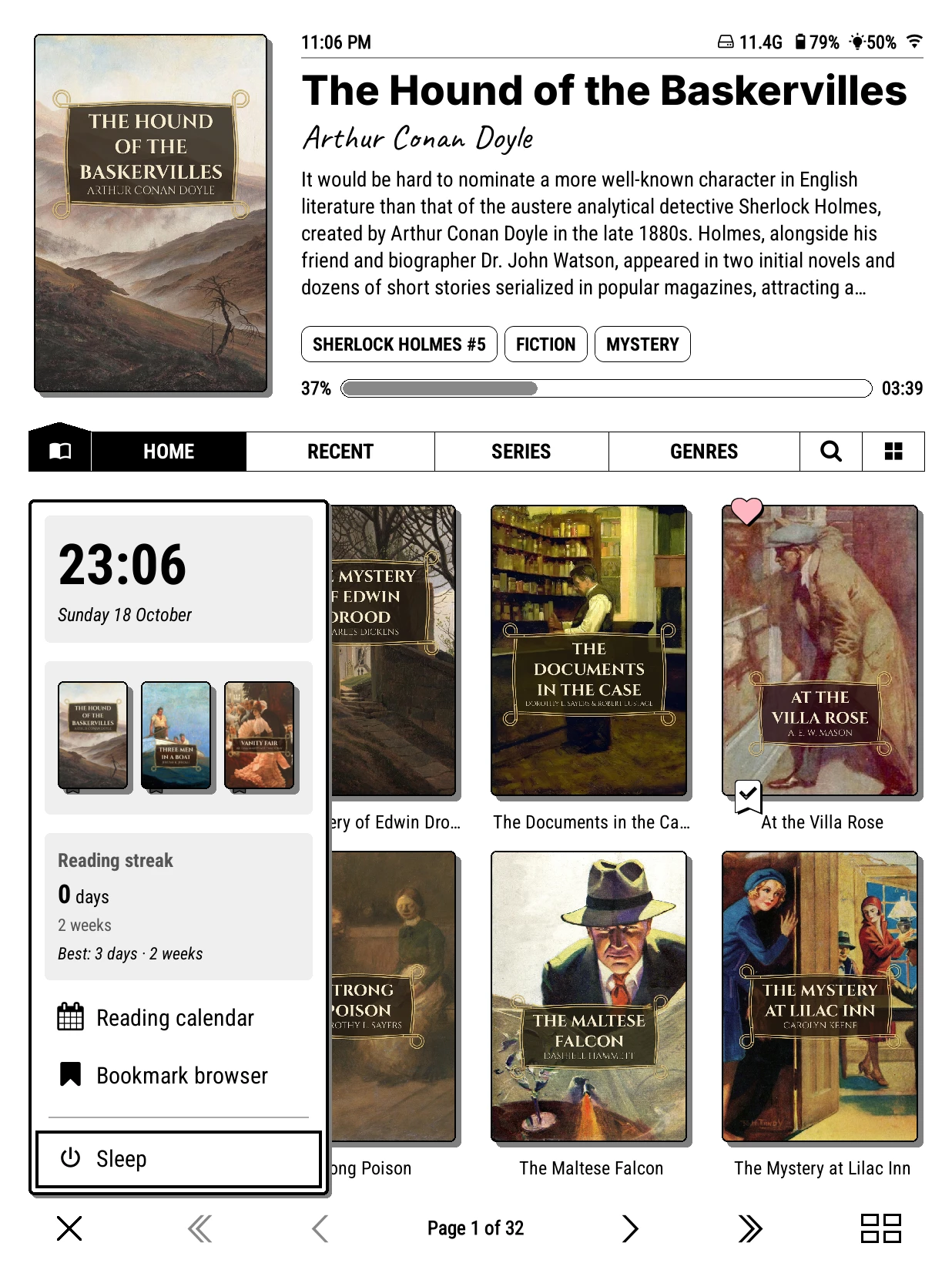
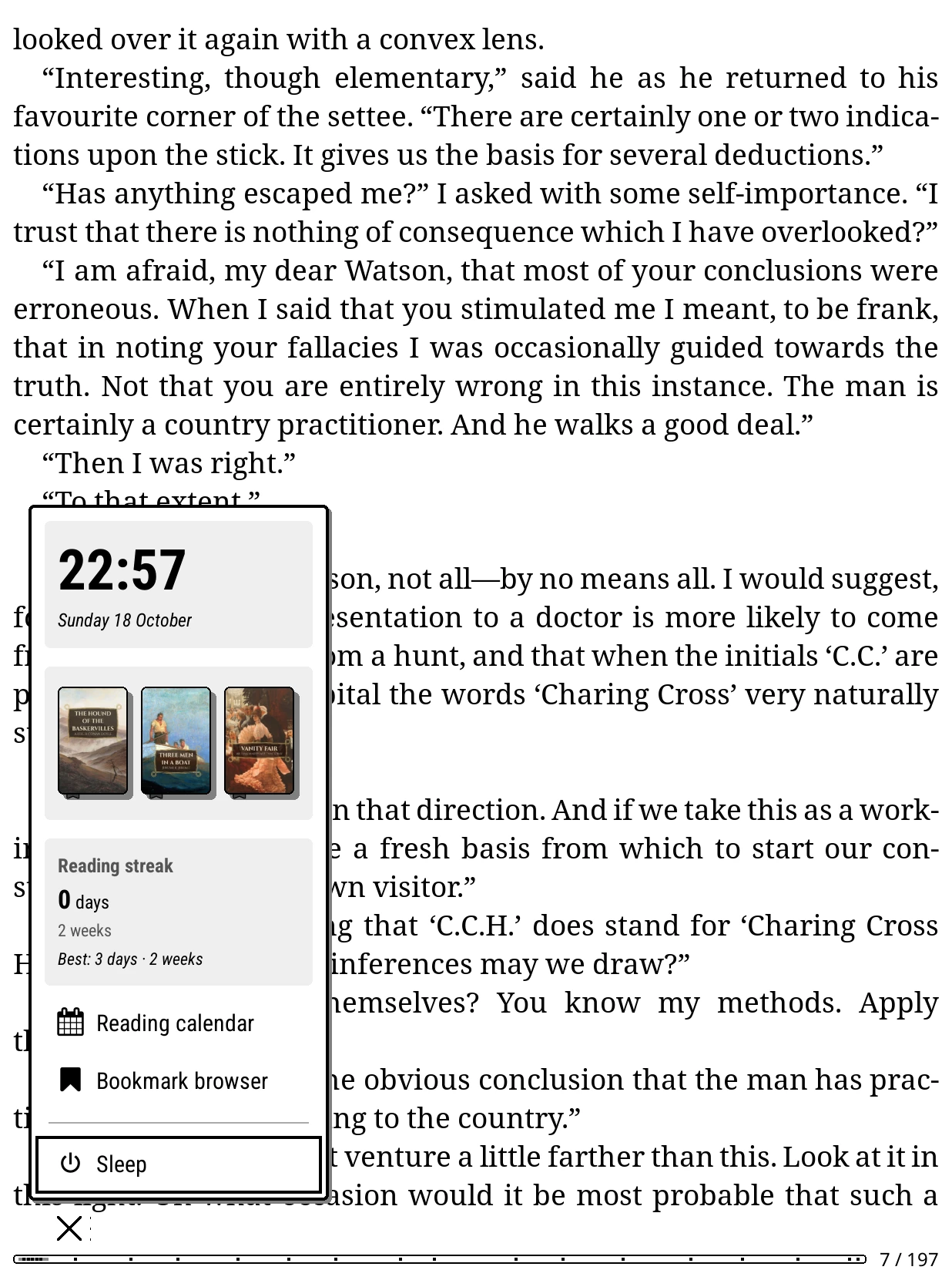
The start menu can open over a book too: turn on Bookshelf > Settings > Advanced > While reading > Show menu button, and a small button sits in the reader's corner.
Add, move and change them
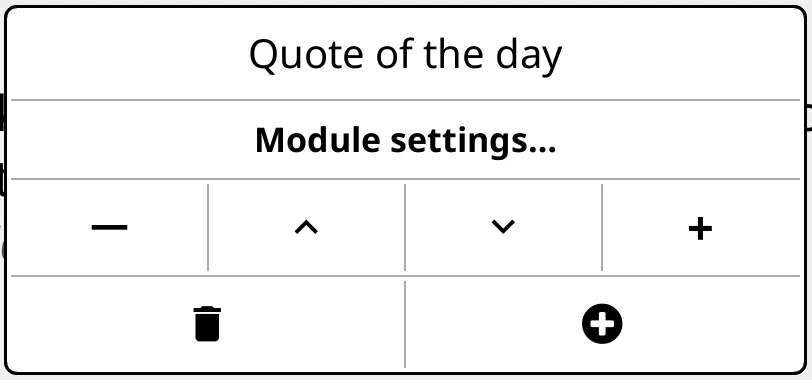
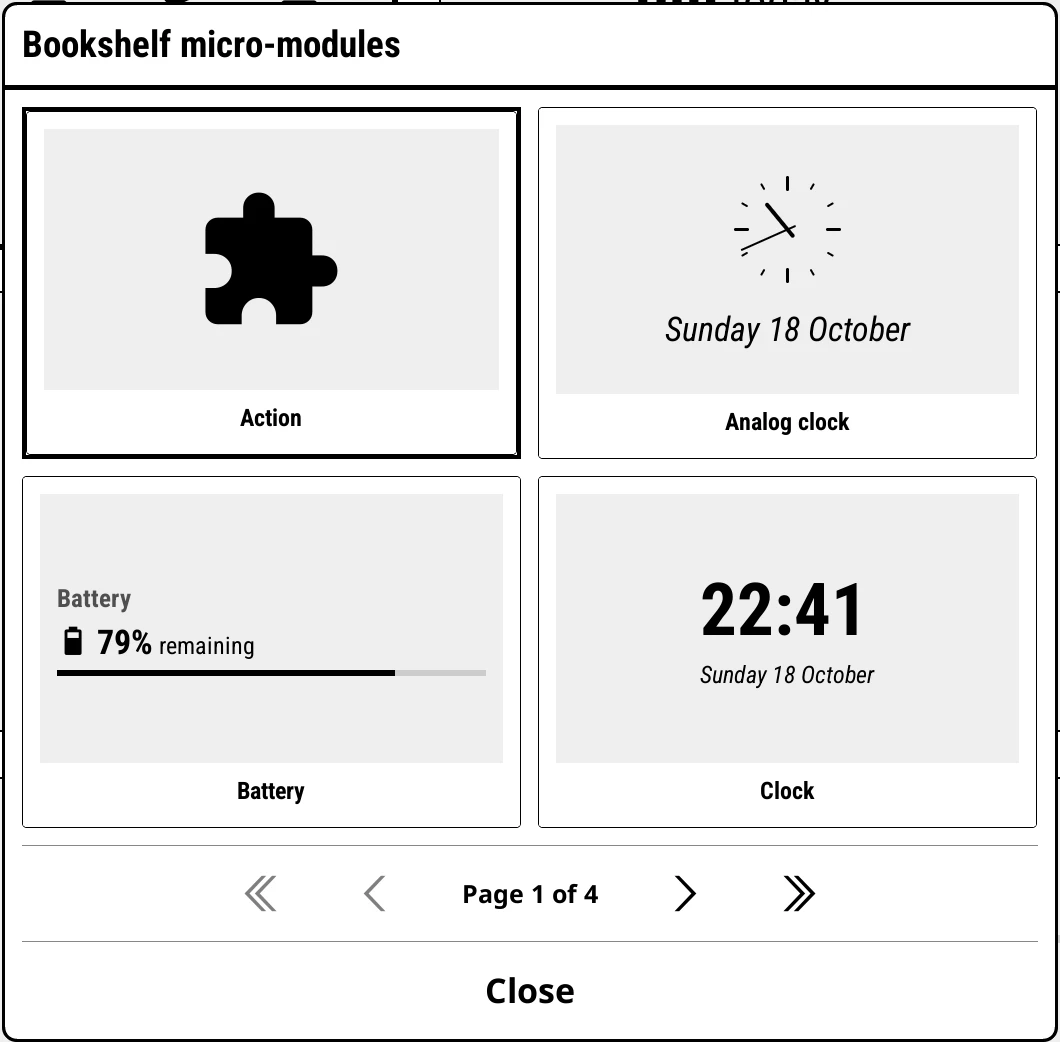
- Long-press a module to edit it: Module settings…, the arrows to move it, − and + to make it narrower or wider, the bin to remove it, the plus to add another. In the top panel grid, Pg. 1 to Pg. 4 send it to one of four pages.
- Tap a module to use it: roll a new quote, open the reading calendar.
- Swipe left or right on the top panel grid to change page.
What the clip shows, step by step:
- Micro-modules: little cards for your reading life
- Tap the grid button, bottom right
- Long-press a module to change, move or add
- Add one with the + button
- Pick Recently read from the list
- Your latest books, a tap away
- Tap X to go back to the shelf
The modules
| Module | Shows | Its settings |
|---|---|---|
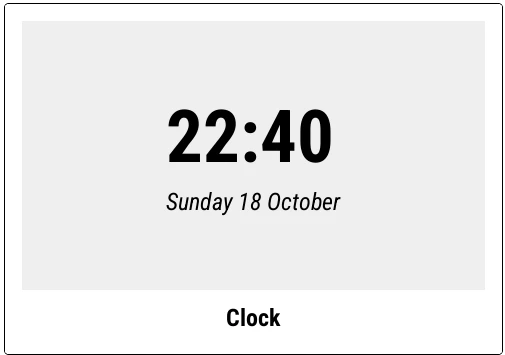
| Clock | The time. | Follow KOReader, 12-hour or 24-hour. |
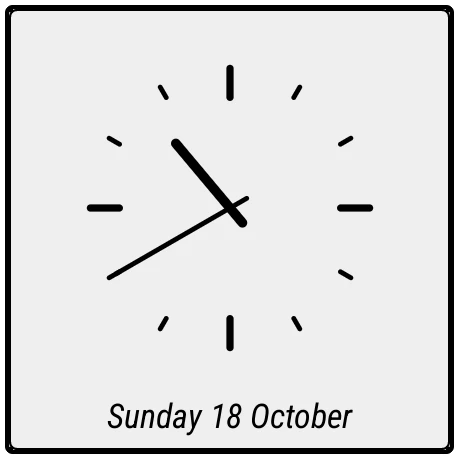
| Analog clock | A clock face. | Small, Medium or Large; Show date. |
| Battery | Level and bar, and a cover battery where there is one. Tap for battery statistics. | |
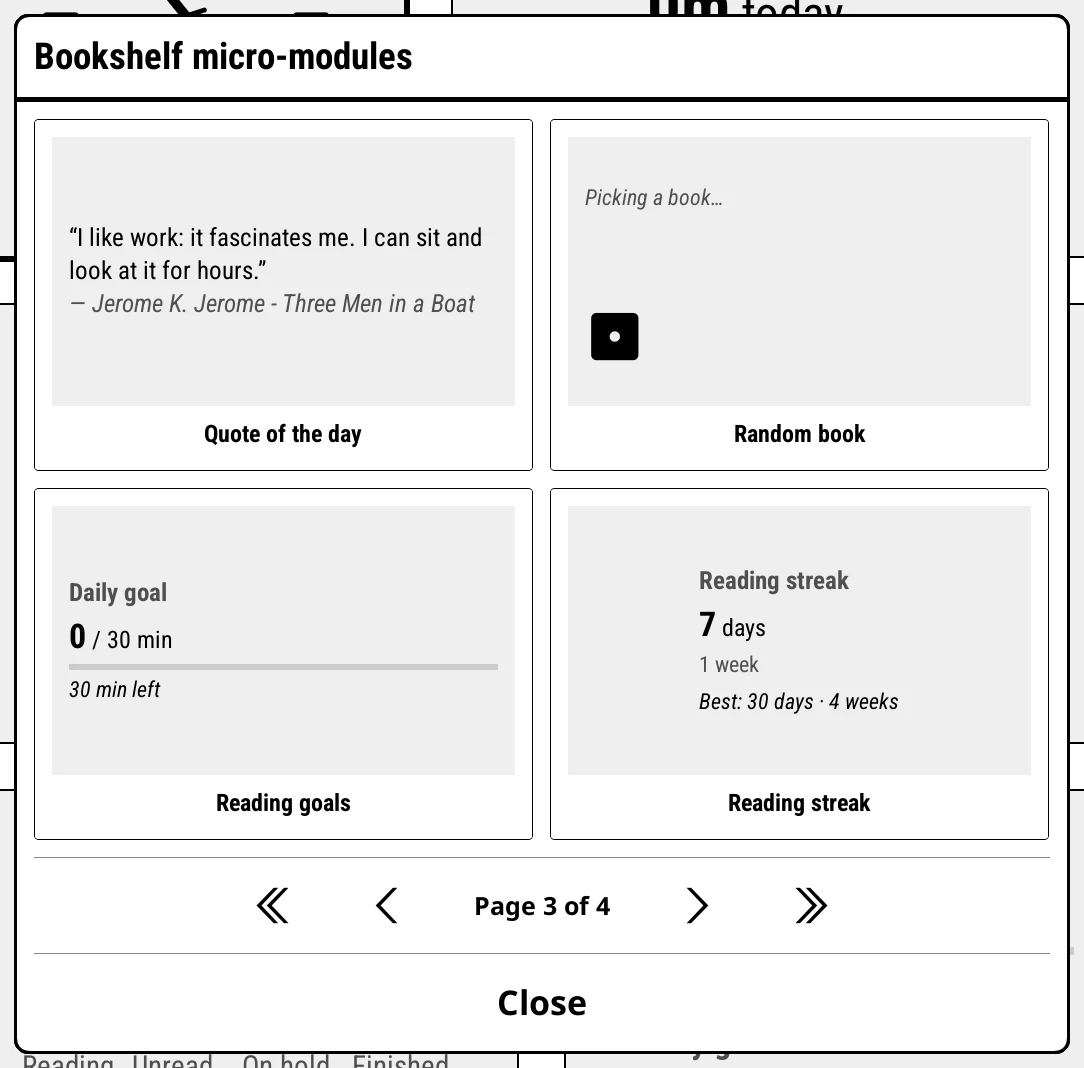
| Quote of the day | A highlight from your books. | Tap: a new quote, the bookmark list, or open the book at the quote. Refresh: once a day or every open. Quotes from: your highlights, quote files, or both. Books left out, Highlight colors, and Scan library for highlights. |
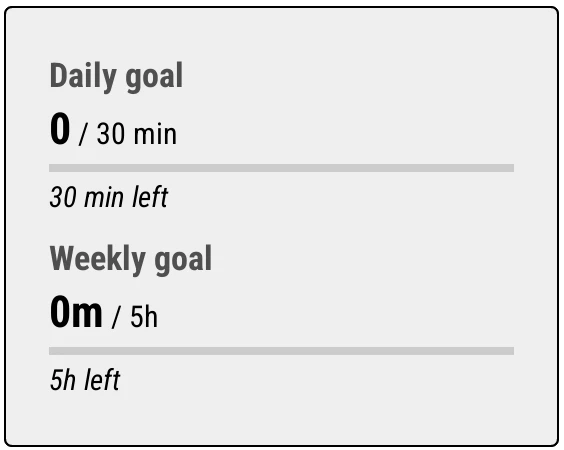
| Reading goals | Daily, weekly, monthly and yearly targets. Tap to cycle. | Which goals, their targets, and Books read outside KOReader this year. A book counts in the month you marked it finished. |
| Reading stats | Time and pages today and this week. Needs KOReader's statistics plugin. | |
| Reading streak | Your current and best streak, in days and weeks. Needs the statistics plugin. | Tap action: Reading calendar or Reading insight. |
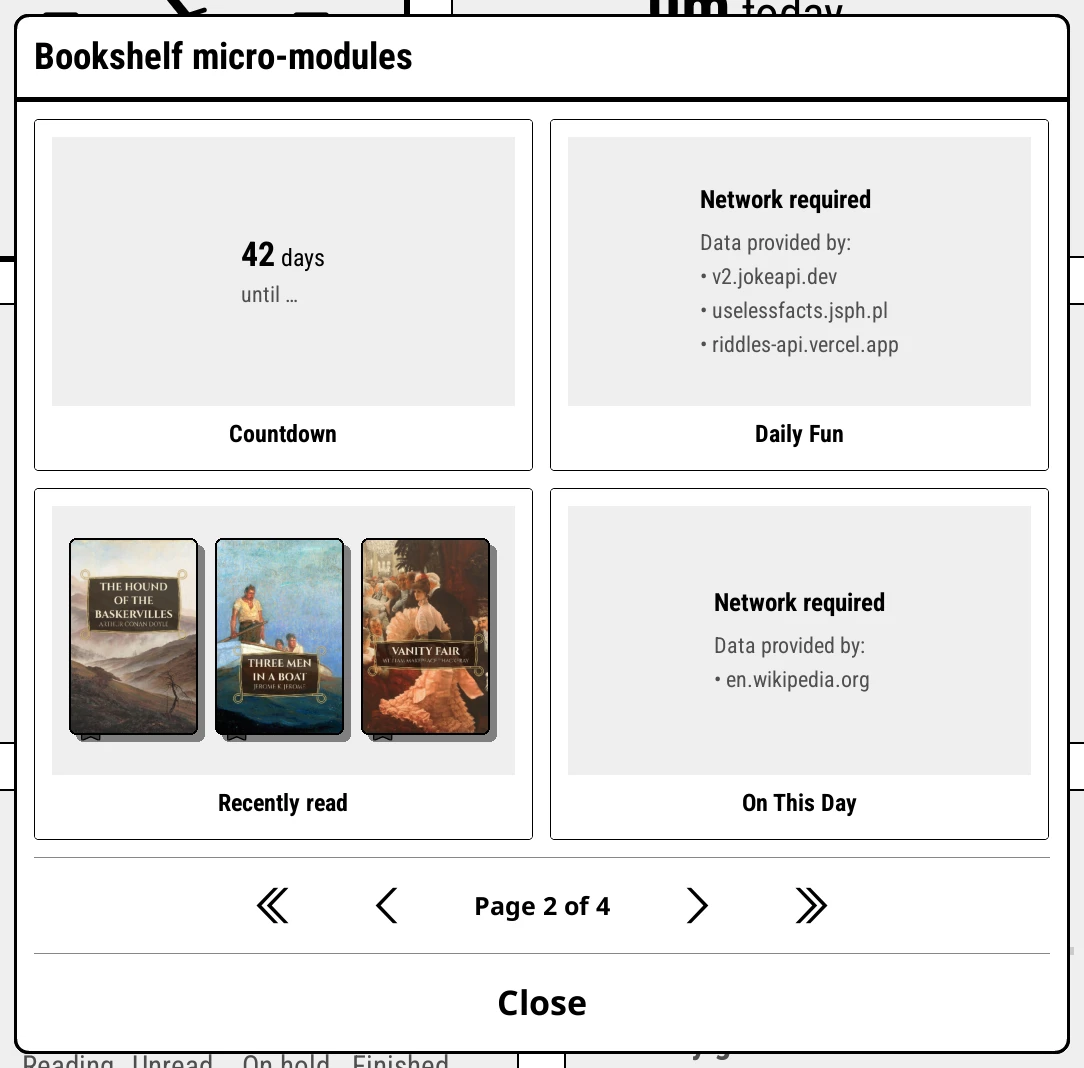
| Recently read | Covers of the books you opened last. Tap to open. | Books to show. |
| Random book | Rolls a book into the top panel; tap the dice for another. | From the Current shelf or All books; which statuses; On tap: show it, or open it. |
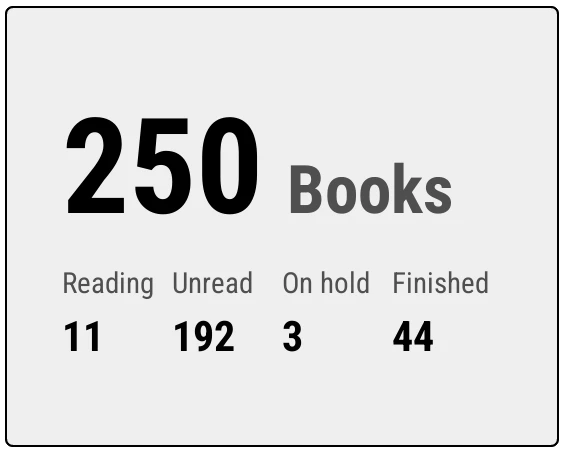
| Shelf size | How many books are on this shelf, by status. | |
| Countdown | Days until (or since) a date. Add several, each with its own label. | Change date…, Change label… |
| Action | A button that runs a plugin or action. | Change action…, Icon…, Label… |
| Weather | Today's weather, from Open-Meteo. | City, °C or °F. |
| On This Day, Trivia, Daily Fun | History, quiz questions, jokes and facts. | Categories and difficulty, where they apply. |
Weather, On This Day, Trivia and Daily Fun come from the internet. They fetch by themselves only when Wi-Fi is already on; otherwise they say Tap to fetch.
Quotes from files
Besides your highlights, Quote of the day can read quote files in SimpleUI's format from koreader/settings/bookshelf/quotes. A ready-made file of 233 quotes from the Civilization games is in the repository, shared by a Bookshelf user.
The module grid's text size is Bookshelf > Settings > Text size > Micro-modules, and its card colours are under Theme > Colors.
Write your own
A module is one small Lua file. Drop it into koreader/settings/bookshelf/micromodules/ and it appears in the picker. See For plugin authors.